Certificate of Award for Employee Recognition (Free Download and Examples)
The Q4 numbers are in, the leadership team has voted, and you have forty-eight hours before the year-end town hall. Six people across three departments are about to be named winners of this year's internal awards — and you need certificates ready to hand out on stage, post on Slack, and email in PDF form by Friday. The wording matters, because every recipient is going to screenshot it.
Why Employee Recognition Needs These
Verbal recognition disappears the moment the meeting ends. A certificate doesn't. It gets pinned to a cubicle wall, framed at home, attached to a performance review, and — increasingly — posted to LinkedIn within the hour.
When you skip the certificate, the award loses its proof. The recipient has nothing to point to when their manager changes, when the company restructures, or when they update their CV two years later. The recognition becomes a story they tell rather than something they hold.
For high-performing employees, that proof is part of the reward. For everyone watching, it signals that your company actually invests in recognition rather than just talking about it.
What Goes on the Certificate
| Field | Required | Notes |
|---|---|---|
| Recipient's full name | Yes | Match the legal name on payroll if it'll be referenced in HR records; use preferred name only if recipient prefers it for public-facing share. |
| Award name in full | Yes | "President's Award for Operational Excellence," not just "Excellence Award." Recipients will quote this verbatim on LinkedIn. |
| Award category or division | Yes | Engineering, Sales, Customer Success — specifies the field of competition, especially when multiple awards are given the same cycle. |
| Award cycle / period | Yes | Q3 2025, FY26, Annual 2026. Without this, the certificate becomes timeless in a bad way. |
| Awarding body | Yes | Board, Leadership Team, Recognition Committee. Anonymous awards read as self-issued. |
| Nominee pool size | Optional | "Selected from 42 nominees" adds weight, especially for competitive awards. |
| Date of presentation | Yes | The day it was awarded, not the period it covers. |
| Signature(s) | Yes | CEO, department head, or committee chair — match the seniority to the award level. |
| Company logo | Yes | Top-centre or top-left; gives recipients something recognisable when shared. |
Sample Wording
A quarterly performance award presented at an all-hands meeting:
The Leadership Team of Halcyon Tech presents the Q3 2025 President's Award for Customer Impact to Priya Ramesh, selected from 27 nominees for outstanding contribution to enterprise account retention. Awarded 12 October 2025.
An annual values-based award decided by peer vote:
Northwind Hospitality Group awards the 2025 "Guest First" Annual Recognition to Marcus Okoye, voted by colleagues across all 14 properties as the team member who most embodied our service values this year.
A sales achievement award tied to a measurable result:
Atlas Software hereby confers the Top Performer Award, Enterprise Sales Division, upon Daniel Vargas, finishing FY2026 at 168% of annual quota — the highest in the division. Presented at the Annual Sales Kickoff, 8 February 2026.
For more wording approaches across formal and casual tones, see the full Certificate of Award wording examples guide.
Templates for Employee Recognition
Blue Ribbon Award Certificate
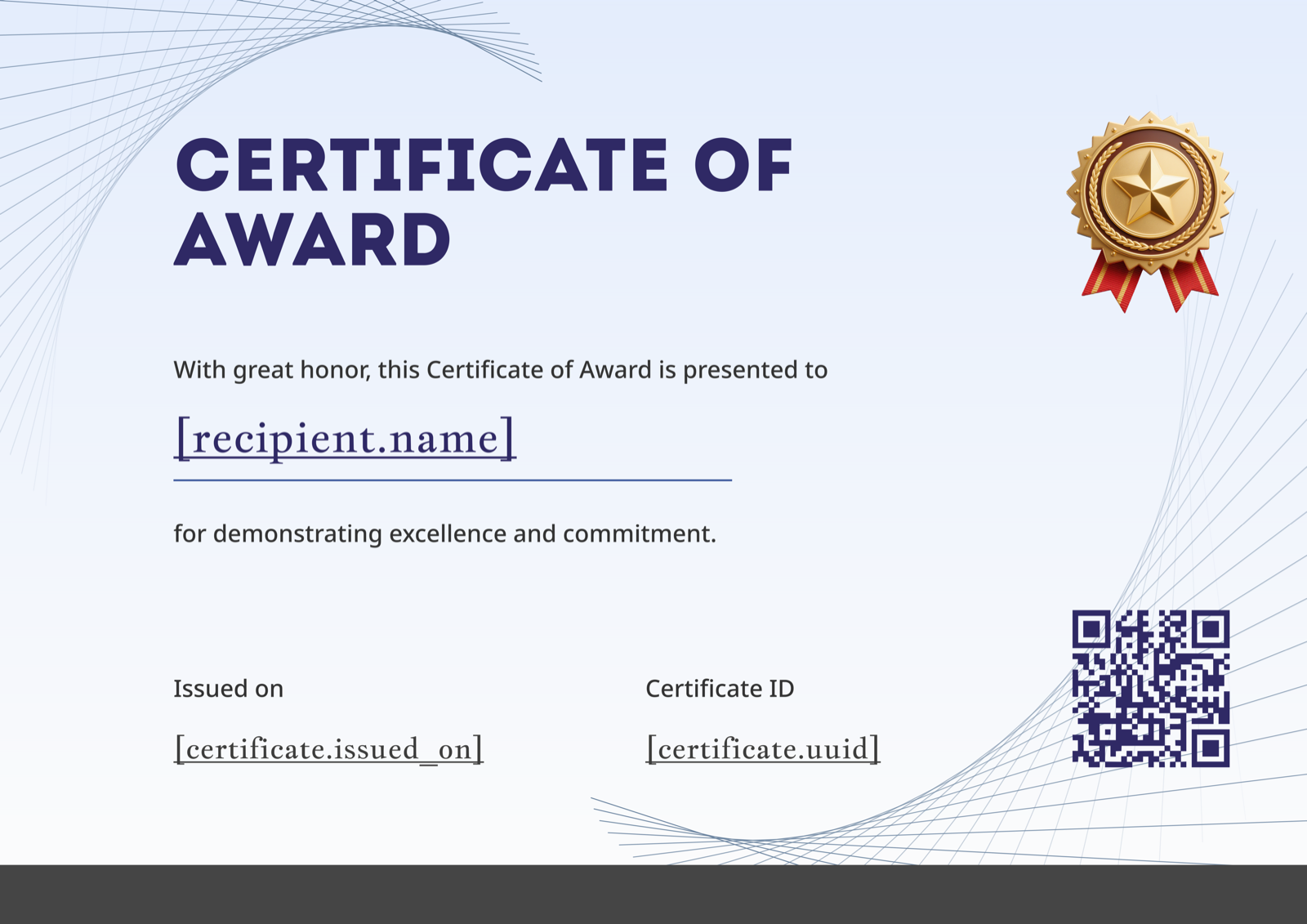
The landscape layout and gold ribbon medal suit traditional corporate awards — President's Awards, executive recognition, long-service-linked awards. The restrained blue line-work keeps the focus on the award name and recipient, which is what matters when the certificate ends up framed on someone's desk. Browse it alongside others on the Certificate of Award gallery.
Forest Green Star Medal Award Certificate Portrait
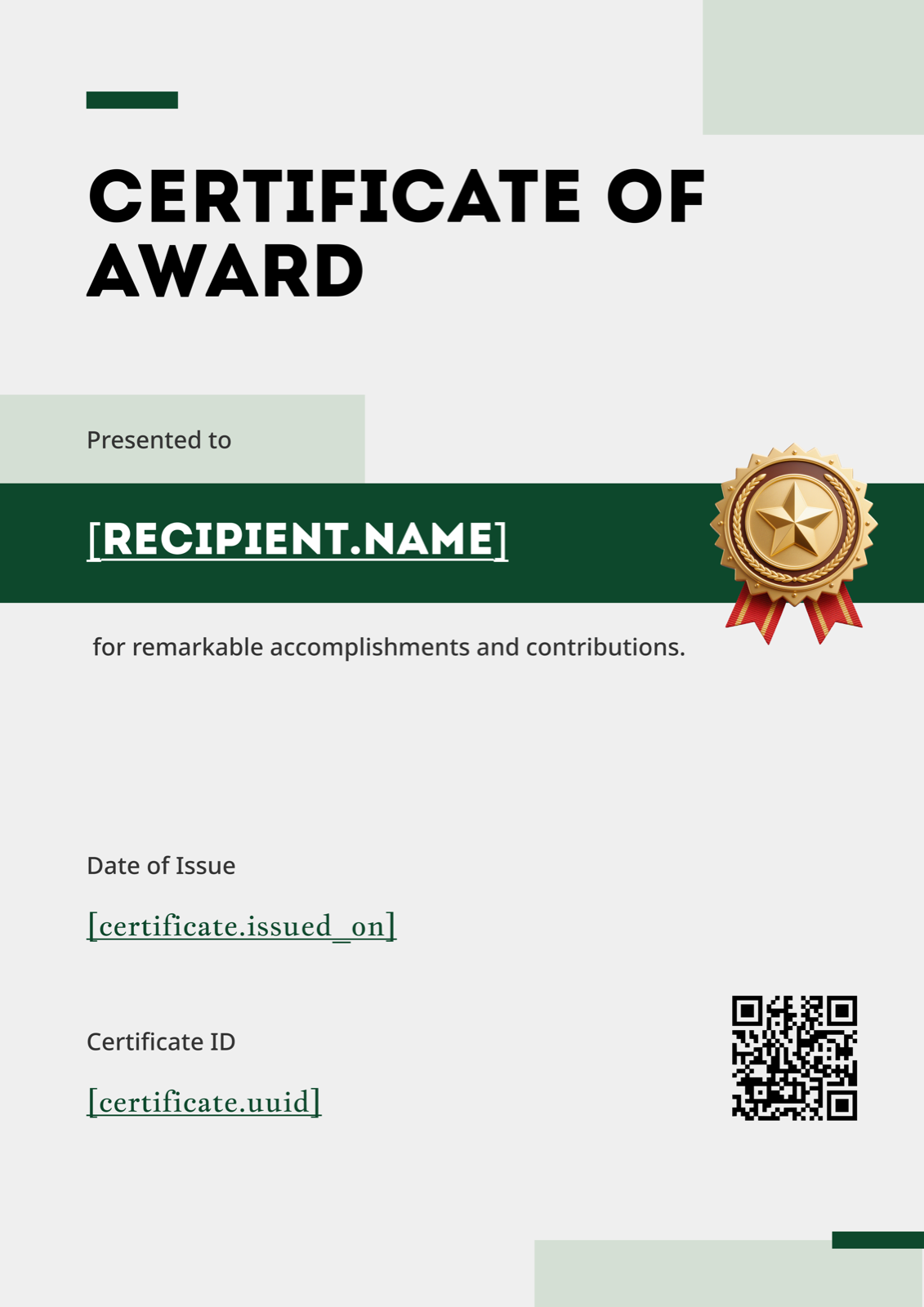
Portrait orientation with a deep forest-green band and gold star — works particularly well for formal annual awards in professional services, law, or finance where the recipient may genuinely frame and hang it. The minimalist styling gives the award name room to breathe.
Yellow Bold Award Certificate
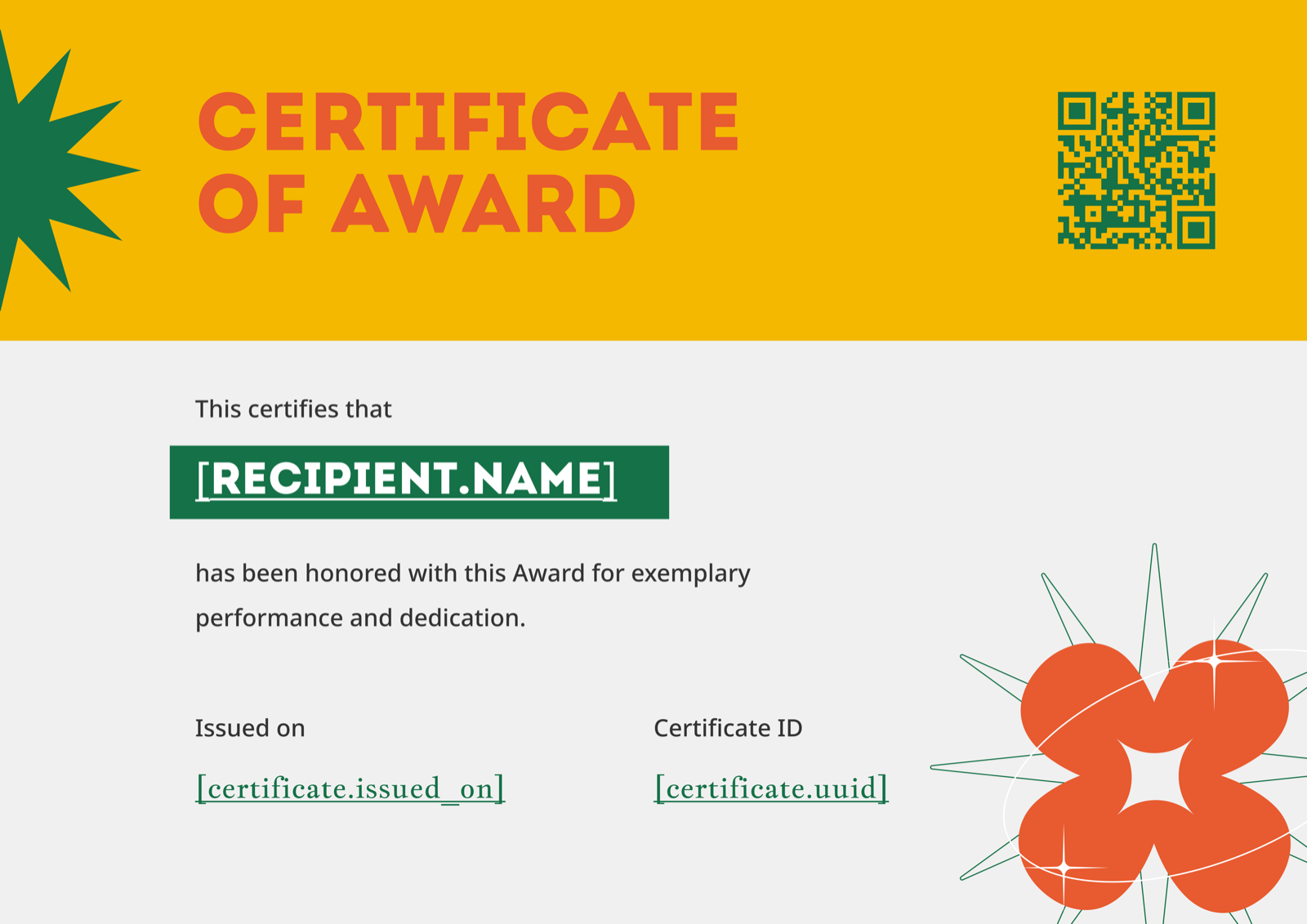
Bright yellow banner with a sun-burst star — the right pick for celebratory awards that need energy: Sales MVP, Innovation Award, Hackathon Winner. The bold motif photographs well on stage and reads cleanly when shared as a thumbnail on social.
Coral 3D Shapes Award Certificate
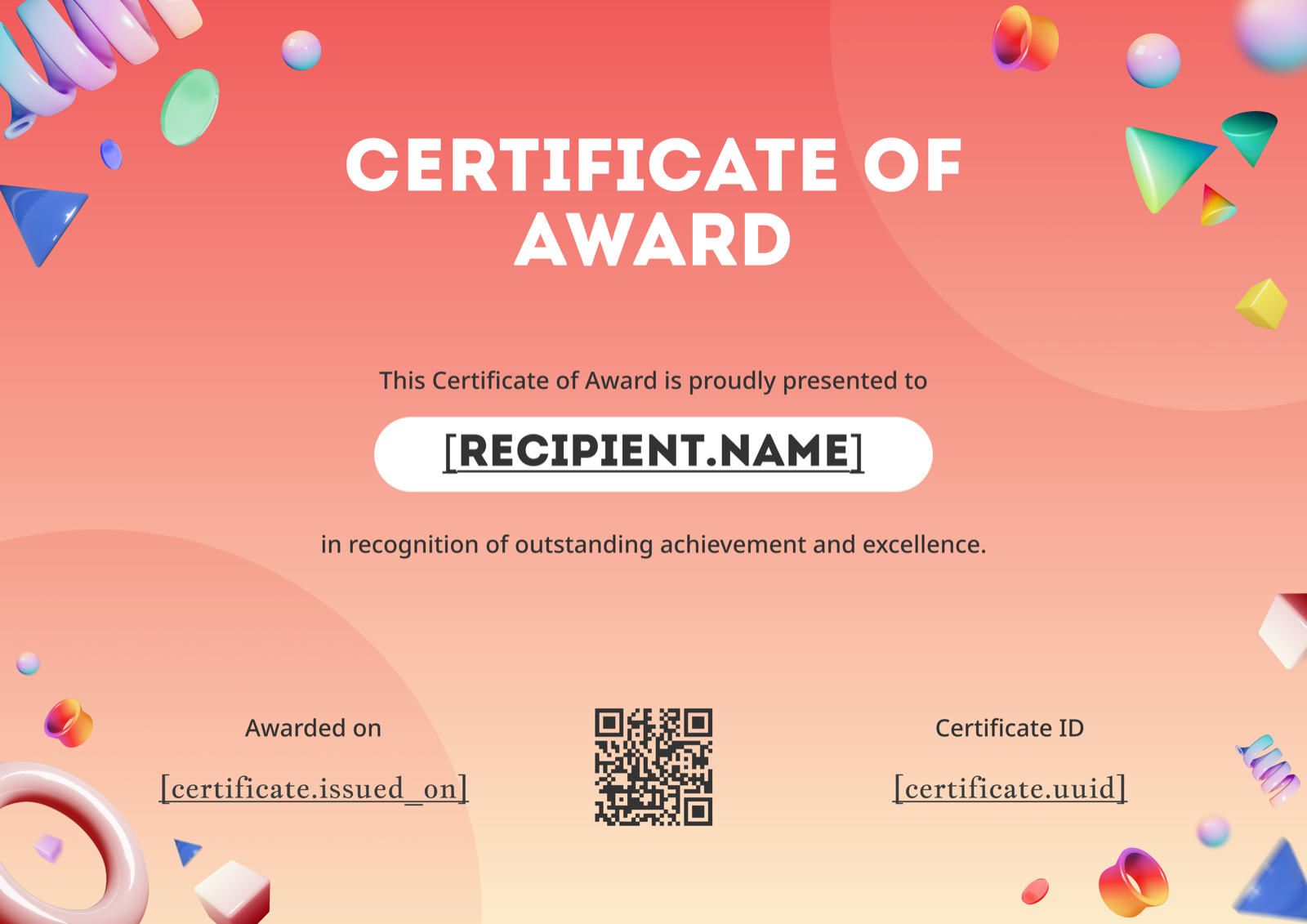
Modern landscape design with playful 3D shapes — fits younger or creative-leaning workplaces (agencies, startups, design teams) where a traditional bordered cert would feel off-brand.
Geometric Confetti Award Certificate Portrait
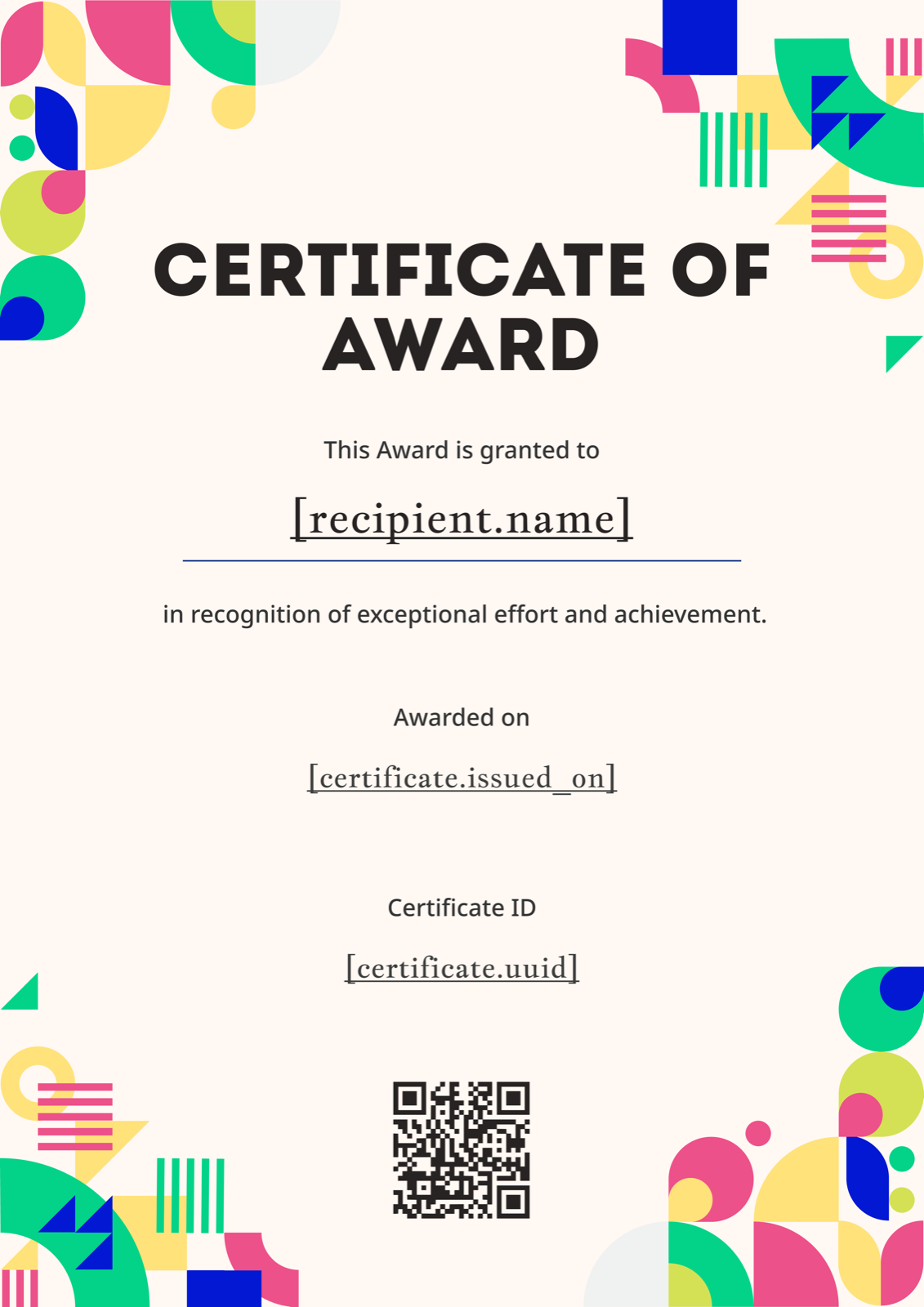
Festive portrait design suited to peer-nominated awards, team spirit awards, and end-of-year celebration formats where warmth matters more than gravitas. The cream background keeps it from feeling like a child's certificate despite the confetti.
For a wider shortlist, see our pick of the best free Certificate of Award templates.
Issuing: One-Off vs At Scale
For a single award — say, a Founder's Award presented once a year — manual generation works fine. Edit a template, print, sign. Our step-by-step guide to creating a certificate covers the process end to end, and the printing guide handles the framing-ready output.
For monthly or quarterly programs across multiple departments, manual stops scaling around the third cycle. CertFusion lets you upload a winner list (CSV from your HRIS or spreadsheet), auto-generate personalised certificates from one template, and email PDFs directly to recipients with a custom subject line — useful when HR runs awards across regions and needs every certificate sent on the same day. Browse the Certificate of Award template library to pick a base design.
Making Them LinkedIn-Shareable
Recipients of employee awards increasingly post their certificate on LinkedIn within hours of receiving it — and that post becomes a recruiting signal for your company. A few choices make the difference between a screenshot that lands and one that gets cropped or ignored.
Write the award name so it reads as a credential, not a sentence. "Q4 2025 Customer Impact Award — Halcyon Tech" works on a LinkedIn post header; "Awarded to Priya for being amazing this quarter" does not. Keep the company logo top-centre or top-left so it survives mobile thumbnail cropping. Avoid embedded photos of the recipient — people share these when they're proud, not when they're surprised by their own face. Issue as a high-resolution PDF (300 DPI) rather than a screenshot from a slide; LinkedIn compresses uploads aggressively and low-res certificates look amateur. If you run a verifiable award program, CertFusion can add a unique verification URL to each certificate so prospective employers can confirm the award is real.
Pick a layout that matches the formality of the award itself, then make sure the wording does the heavy lifting — that's what the recipient screenshots. Start with the Certificate of Award template gallery and customise from there.
Table of Contents
Related Articles
Discover more insights and stories that might interest you