5 Best Free Graduation Certificate Templates
A graduation certificate has to carry a full degree title, a class year, an honors designation, and two or three signature lines without looking cluttered — and it has to do it on a document graduates will photograph and post within hours of receiving it. The template you pick determines whether that LinkedIn photo reads as a credential or a screensaver. The five below cover the range, from formal diploma layouts to youth-focused celebration designs.
What to Look For
- Room for the full degree or program title on a single line. "Bachelor of Science in Mechanical Engineering" needs to fit without wrapping awkwardly, and Latin honors should sit directly after it.
- A clear place for the conferring authority's signatures. Graduation certificates usually carry two: a dean or principal and a registrar or board chair. Cramped signature blocks make the document look unofficial.
- Space for a seal or emblem near the top or center. Most graduation certificates feature one, and templates without a designated spot force awkward placement.
- A layout that handles the cohort line cleanly. "Class of 2026" or a cohort identifier is a defining element — it shouldn't be buried in small text at the bottom.
- A tone that matches the program. A preschool graduation and a master's commencement both confer a status, but the visual register is completely different. Pick the design that fits the program, not a generic "professional" default.
1. Colorful Confetti Graduation Certificate Landscape
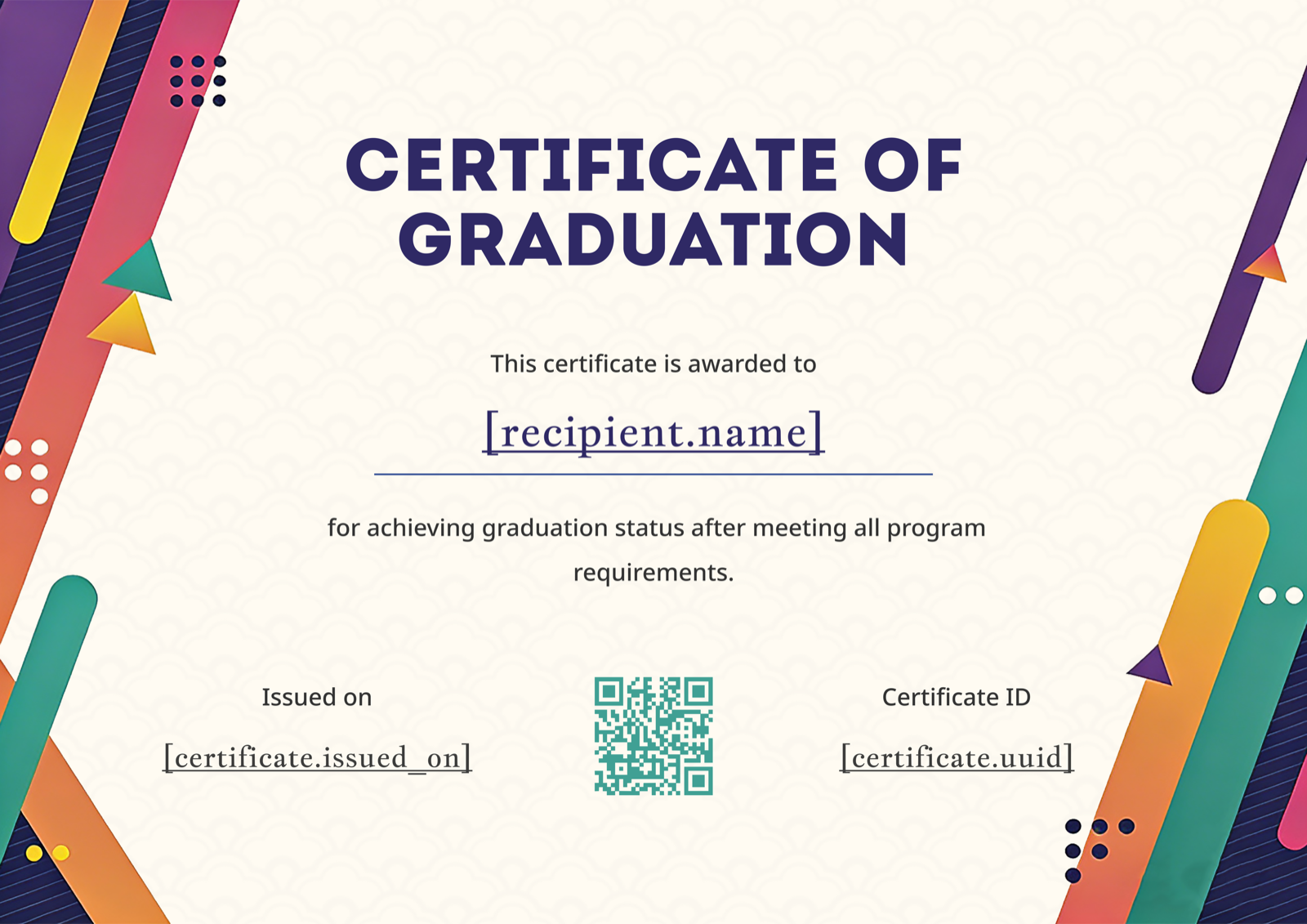
Multicolor pencils and arrows scatter across the borders in a way that reads "school year ending" before you read a single word. The landscape orientation gives a long program name room on one line, which matters for K-12 ceremonies where the school's full name and the grade level both need to fit. It's the obvious pick for elementary schools, preschools, and homeschool co-ops marking a year-end transition. Drop in the school's mascot beside the seal area and the document instantly becomes specific to the institution. See it in the graduation certificate template gallery.
2. Blue Ribbon Graduation Certificate Portrait
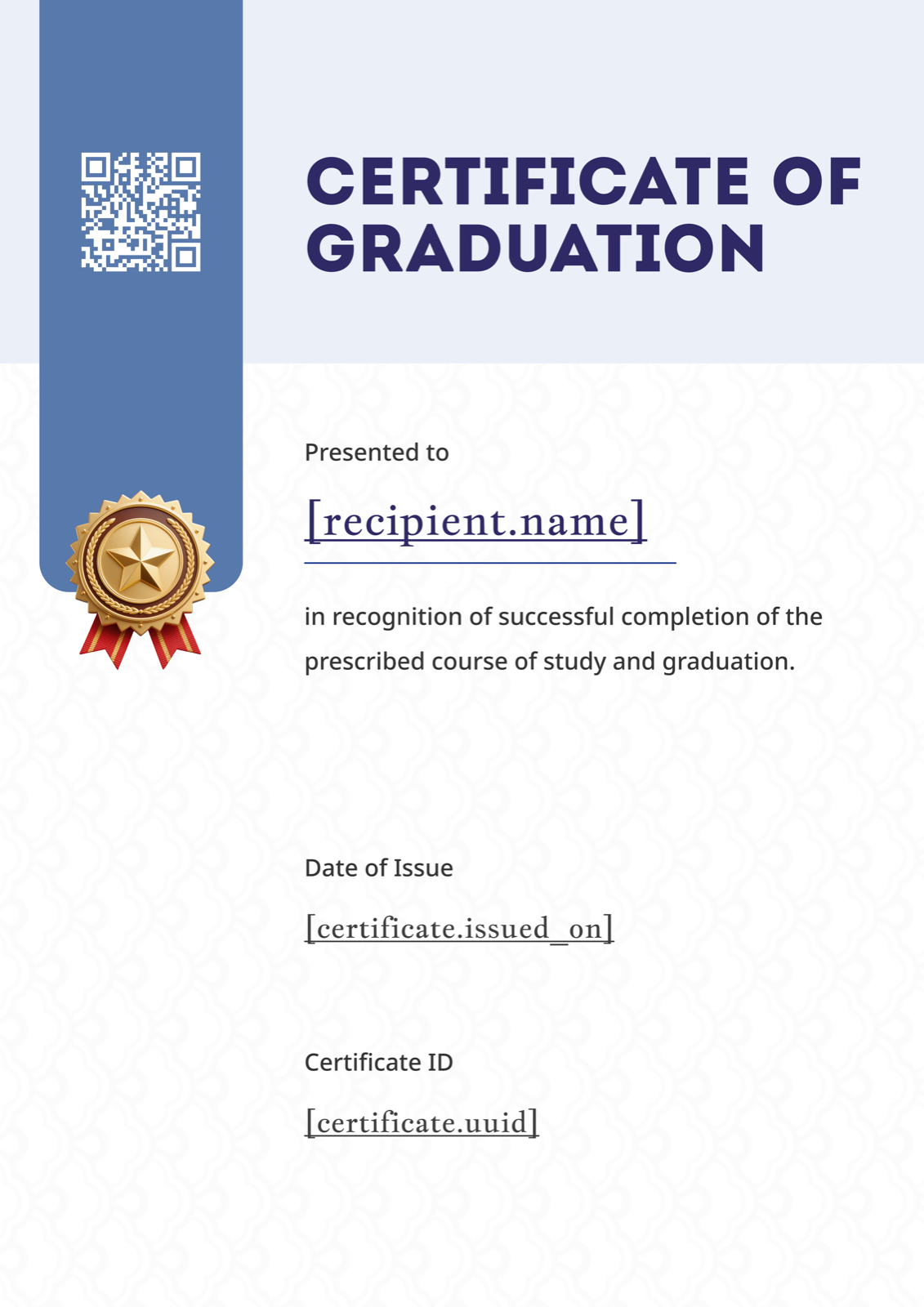
A deep navy ribbon badge anchors the top of the page, with refined serif typography below — the closest thing in this set to a classic university diploma. Portrait orientation is the convention for framed diplomas, so this fits graduates who'll hang the document on a wall. Best suited for universities, colleges, and graduate programs where institutional gravitas is the point. Replace the badge interior with the university crest in a vector format, keep the navy as the dominant color, and the certificate slots straight into existing brand standards. Found in the graduation certificate template gallery.
3. Modern Geometric Graduation Certificate Landscape
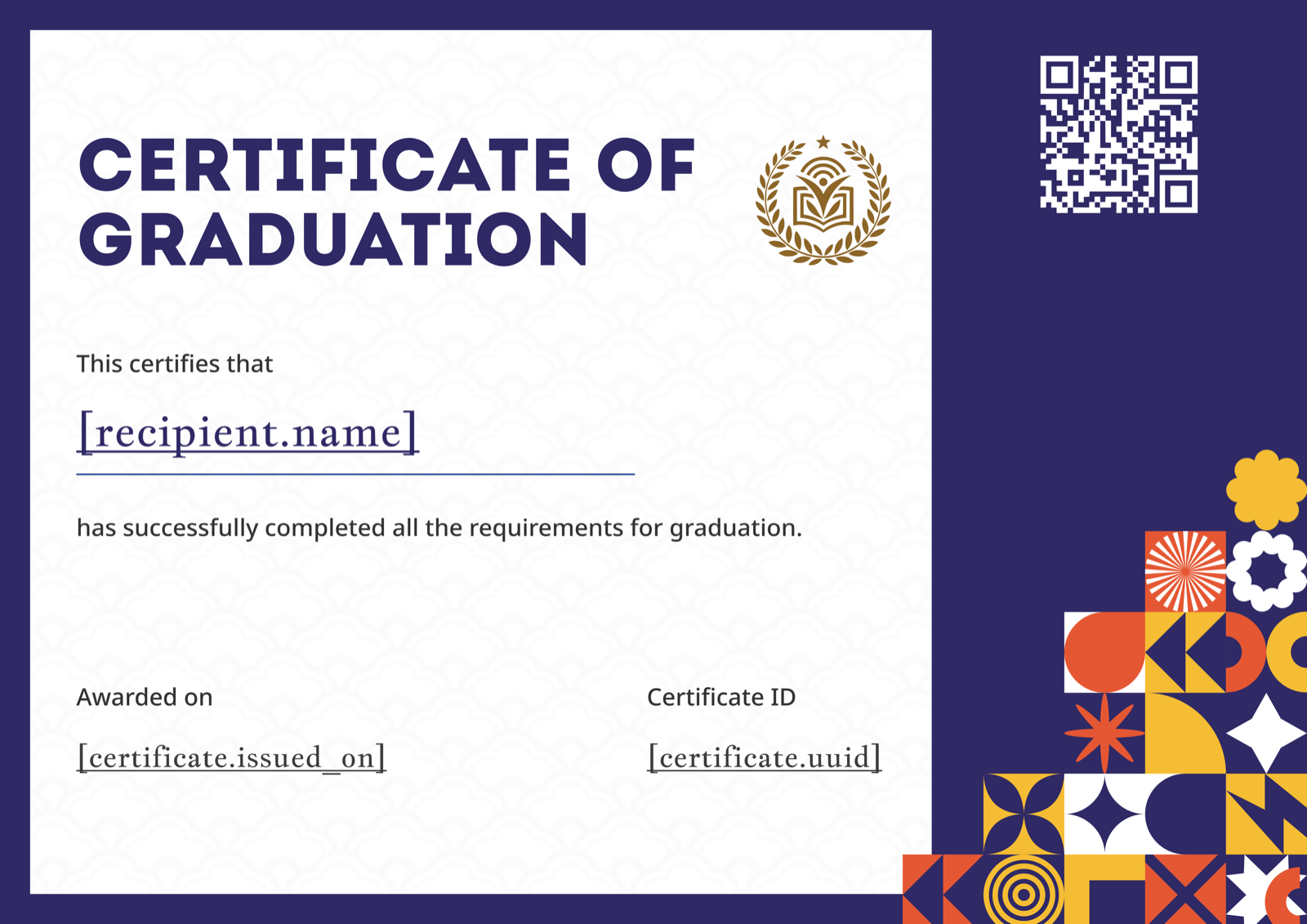
Bold purple typography meets multicolor geometric shapes — confident, current, and unafraid to look like the year it was actually issued. The landscape format pairs well with longer program titles common in design and creative bootcamps. Good fit for coding academies, design schools, MBA cohorts, and any program whose graduates would find a traditional diploma layout aesthetically off-brand. Swap the purple for the program's primary color and the geometric accents to a secondary palette, and the template adapts to almost any modern institution. Browse the rest at the graduation certificate template gallery.
4. Layered Blue Graduation Certificate Landscape
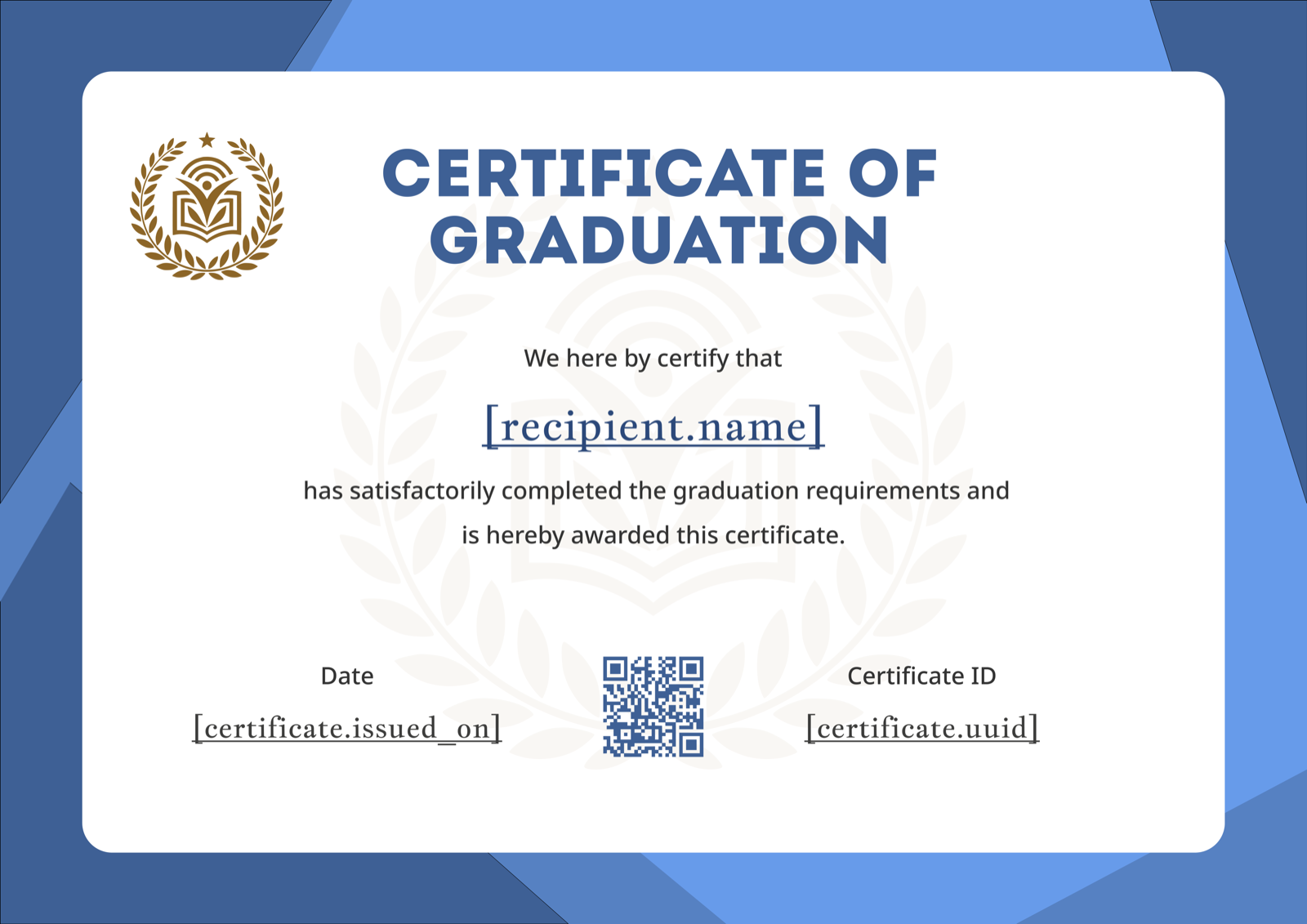
Elegant blue geometric layers frame the document with a classic emblem positioned at the top, striking a balance between traditional and current. The landscape orientation gives degree titles, honors, and signature blocks room to breathe — a practical choice when the certificate has to carry a lot of text without feeling cramped. Suited for high schools, community colleges, and professional programs that want a formal feel without leaning fully into 19th-century diploma conventions. Replace the emblem with an institutional seal and adjust the blue to match school colors for a quick brand fit.
5. Bold Green Wave Graduation Certificate Portrait
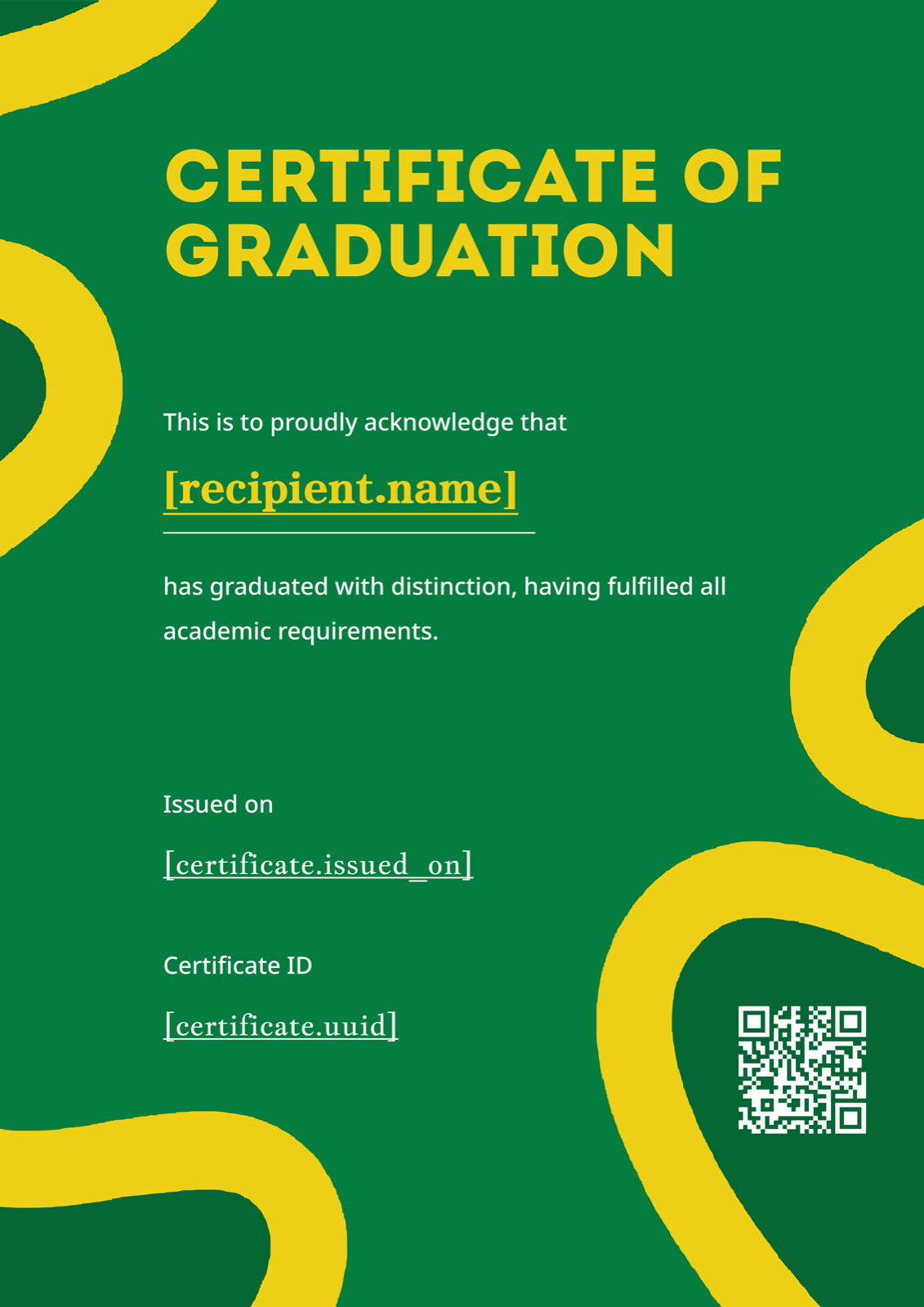
Deep green fills most of the page with bold yellow curved accents sweeping across — high contrast, high confidence, and unmistakable in a stack of certificates. The portrait orientation suits framing, but the visual energy makes it better for programs that want their graduates' achievements to feel current rather than ceremonial. Strong fit for athletic programs, sports academies, environmental programs, or any institution whose brand colors are bold. Swap the green and yellow for the program's actual palette and the template stays striking without overpowering the wording.
Making It Your Own
Customization on a graduation certificate is mostly about three things: getting the institution's identity in (logo, seal, school colors), making sure the wording carries the right authority for what you're conferring, and confirming every field fits. The step-by-step guide to creating a certificate walks through the full workflow.
The design gets the photo on LinkedIn, but the wording is what employers read. "Hereby confers the degree of" carries different weight than "has graduated from the program of study in" — pick the one that matches what your institution actually grants. The graduation certificate wording examples guide covers formal and casual phrasing across program types. For a use-case view focused on ceremony day logistics, see graduation certificate for graduation ceremonies.
Browse the rest at certfusion.com — and if you're preparing for a ceremony with more than a handful of graduates, generating the batch from a roster spreadsheet is faster and more reliable than typing each name by hand.
Table of Contents
Related Articles
Discover more insights and stories that might interest you